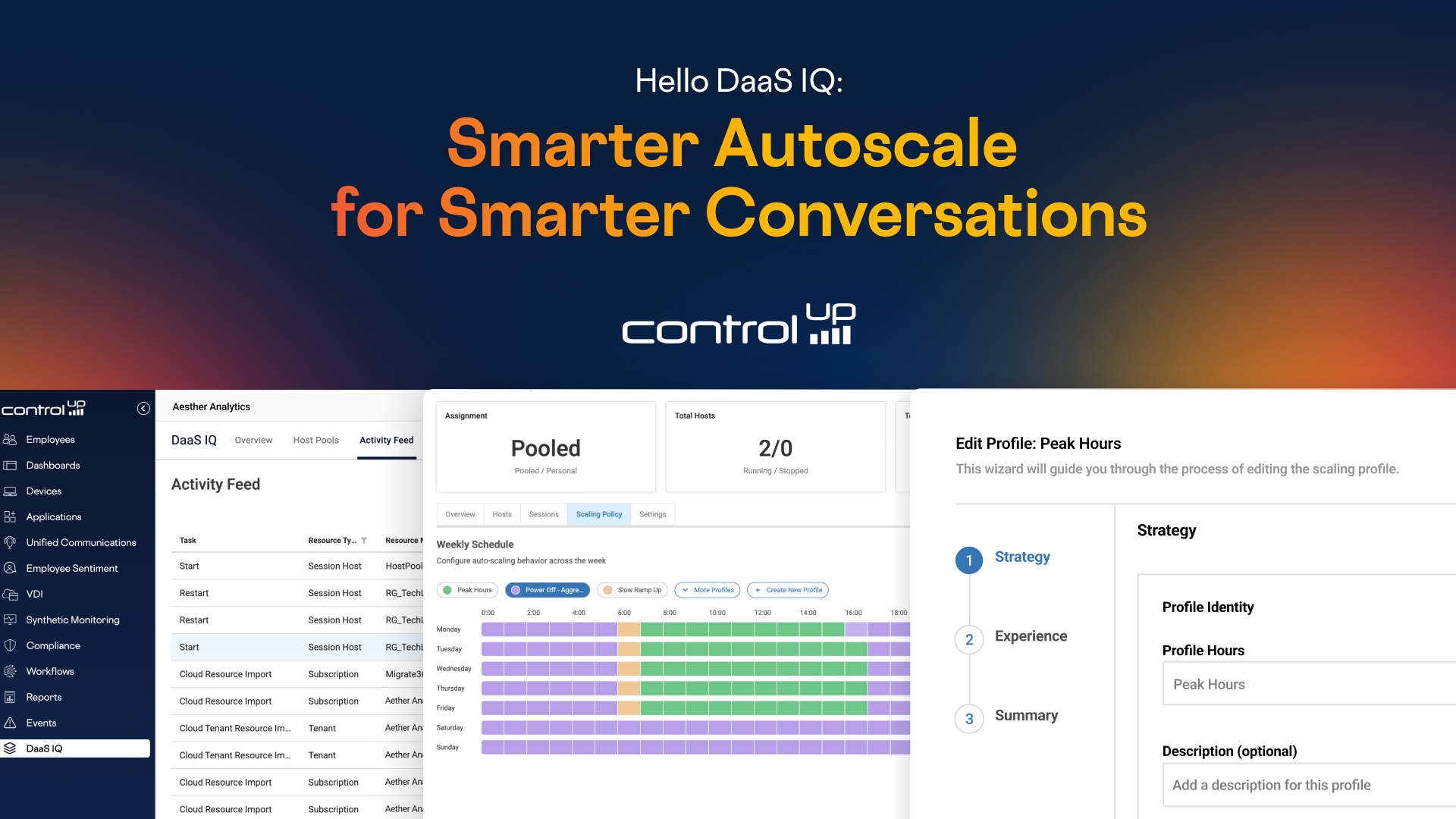
Once in a while, a product comes around that changes how you approach a problem.
For most Azure Virtual Desktop admins, that problem is time—not having enough of it. You’re stretched thin managing schedules, policies, and configurations across multiple host pools, each one slightly different, each one requiring manual tweaks.
ControlUp DaaS IQ isn’t just another autoscale feature bolted onto AVD. It’s a complete rethinking of how to solve this complexity—and frankly, how to give you your time back.
I’ll walk you through the three biggest features that make that possible.
#1 – Simplify autoscale configuration
DaaS IQ’s most powerful feature is also its most enjoyable. Today’s autoscaling tools are in rough shape: rigid schedules, drop down menus for selecting dates, text-input for specifying time, manual schedule adjustments for holiday periods. It’s a mess.

The fix? Visualizing time should be simple. A graphical weekly schedule makes your policy predictable at a glance. No guessing. No surprises.
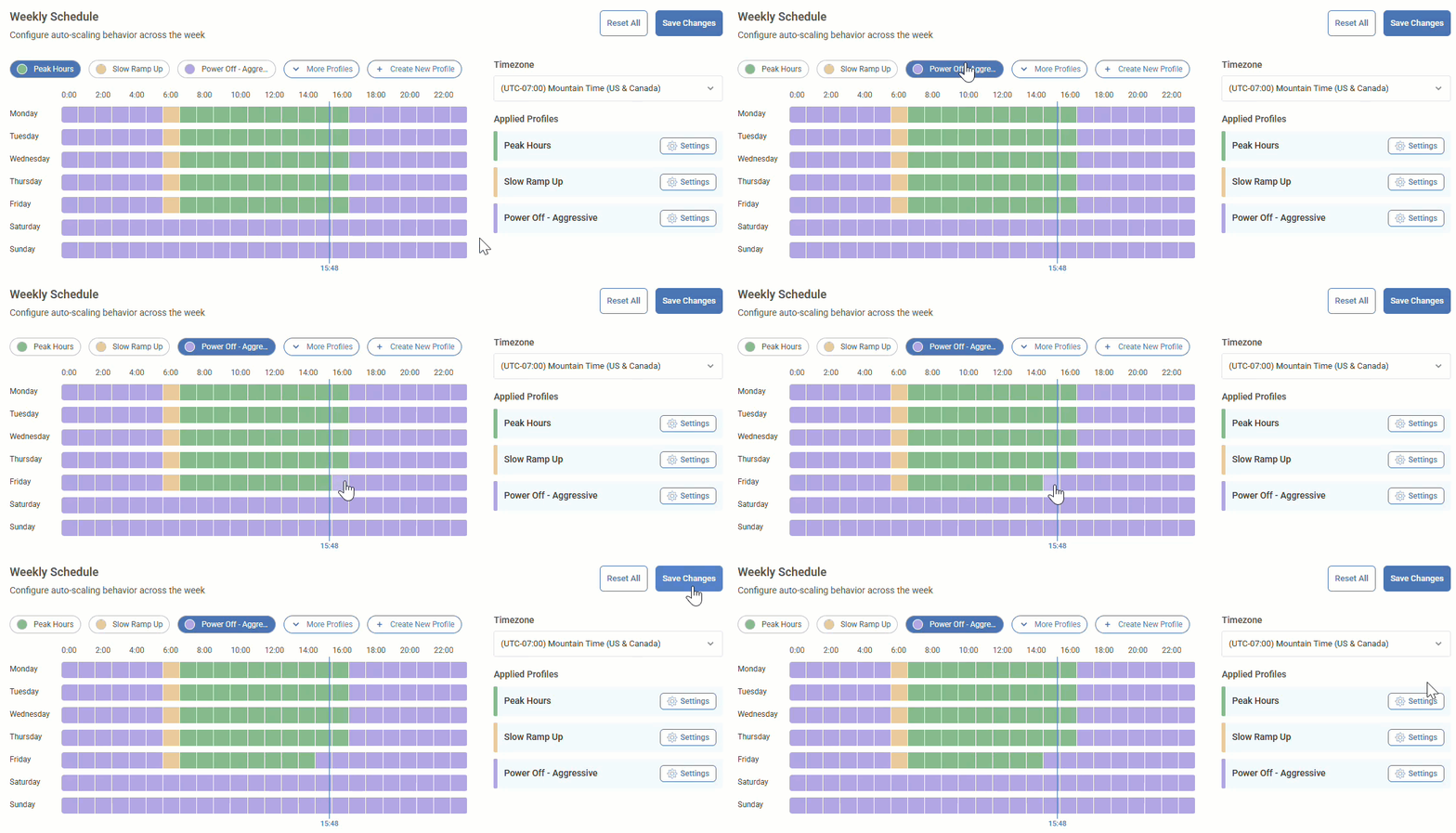
And when you need to make a change—say, an aggressive Friday power-off—you can do it in 4 clicks.
#2 – No ‘standing up infrastructure in your Azure tenant’

Here’s the paradox: you’re building infrastructure to save money on infrastructure. It doesn’t make sense. Setup is slow. Complexity balloons. There has to be a better way.
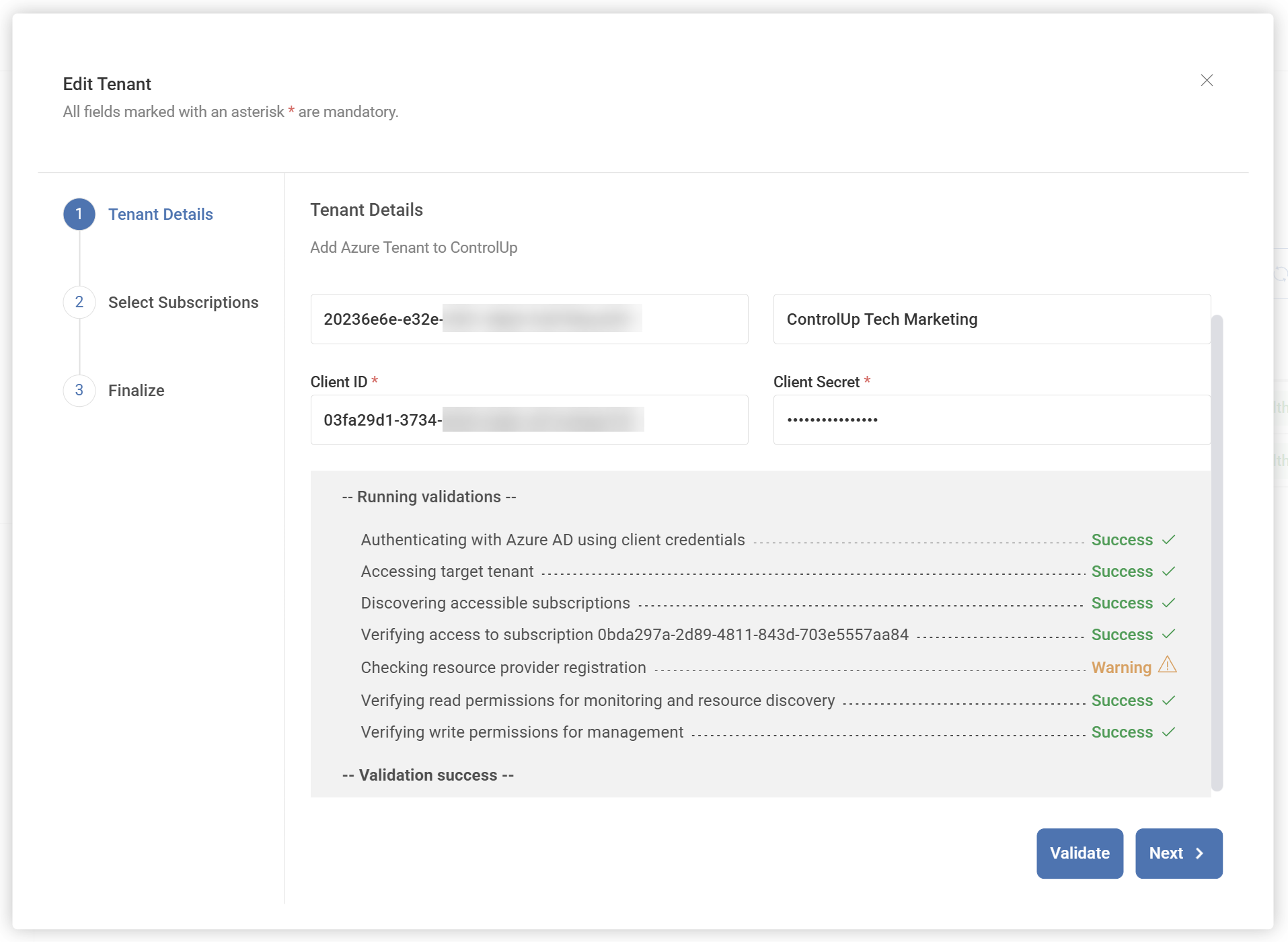
There is. DaaS IQ handles the backend like any modern SaaS application should. No infrastructure in your tenant. No thousand-dollar-a-year bills just to manage autoscale. Onboarding takes minutes—no PowerShell required.
#3 – Shared power scaling policies across your environment
Manual policy duplication across host pools is tedious, error-prone, and painful to maintain. Change one, and you’re manually updating them all. It’s a recipe for mistakes.
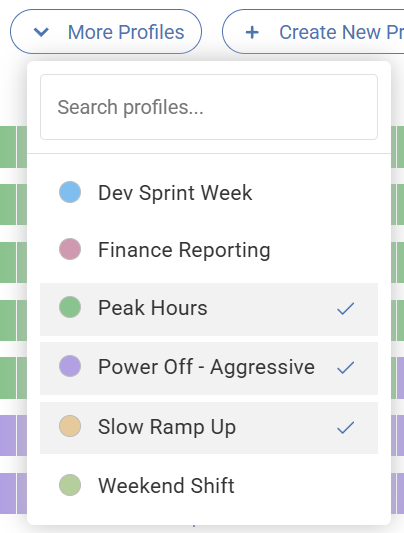
Smart policies fix this. Define a policy once, apply it across your entire environment. Make one change, and it cascades everywhere. And when you need individual policies for specific host pools? You can do that too. Flexibility built in.
The bottom line
ControlUp DaaS IQ is built for teams that want more than basic autoscale.
It takes the friction out of managing Azure Virtual Desktop by making scheduling easier to understand, removing the need to stand up extra infrastructure in your tenant, and letting you manage power scaling policies across your environment without duplicating work over and over again.
What you get is a simpler way forward. Visual scheduling instead of text boxes. Shared policies instead of copy-paste errors. Modern SaaS instead of legacy sprawl. And all of it working out of the box in minutes, not hours or days.
The result is a faster, more modern way to manage Azure Virtual Desktop autoscale. Less friction. Less manual effort. More confidence in the decisions you make.
Sign up and try ControlUp DaaS IQ today