Patch & Vulnerability Management
Every Endpoint Patched. No Workday Interrupted.
Close OS and application vulnerabilities automatically, on the schedule IT sets, across every endpoint and without interrupting the workday.
Try for Free Get a Demo
Stay Secure Without Slowing Down
Scan, Prioritize, Patch, Prove

Every Windows Endpoint Current, Wherever It Works
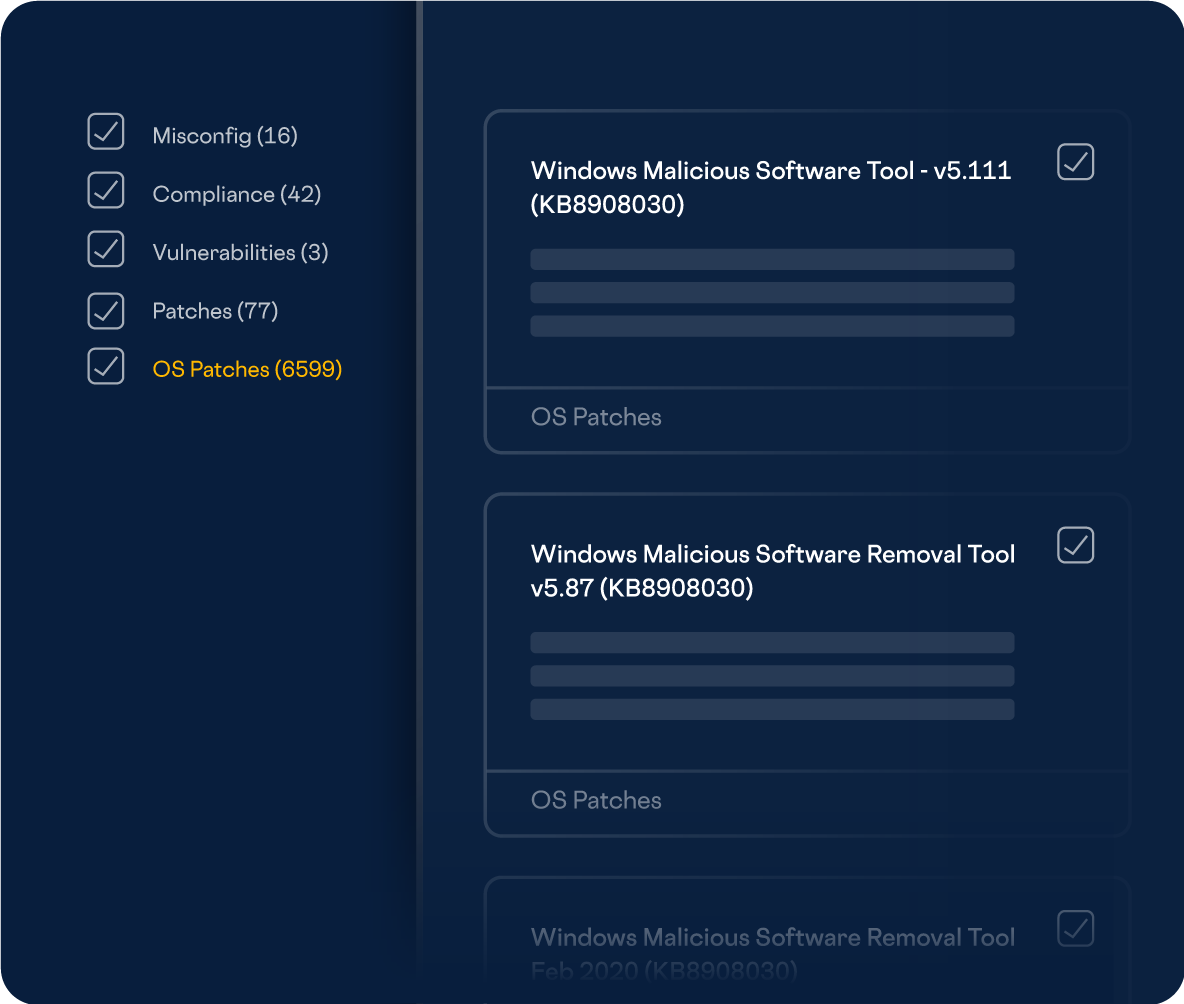
OS patching shouldn’t depend on whether a laptop is on the corporate network. ControlUp scans for and applies Windows patches automatically wherever the device connects, keeps the fleet on consistent builds, and shows OS versions, remediation status, and exposure severity at a glance. The laptop on a kitchen table gets patched on the same schedule as the desktop in the office.
Close Application Vulnerabilities Before They're Exploited
Third-party apps are where most exposure hides, and they rarely patch themselves on your schedule. ControlUp scans installed applications against thousands of known vulnerabilities in real time and shows you each one’s severity, how widely the app is used, and how many devices run a vulnerable version. Then it remediates. Version standardization automatically brings every endpoint to the same build, shrinking the attack surface and simplifying support in one move.

Complete the Fix Before the Vendor Does
Vendors take time to fix vulnerabilities, and sometimes your team gets there first. Alongside the built-in catalog, you can create custom scans and remediations for anything it doesn’t cover, and attach your own remediation and validation scripts to built-in scans that complete without a fix. Your exposure window closes on your timeline, not the vendor’s.

Automated by Default, Manual When It Counts
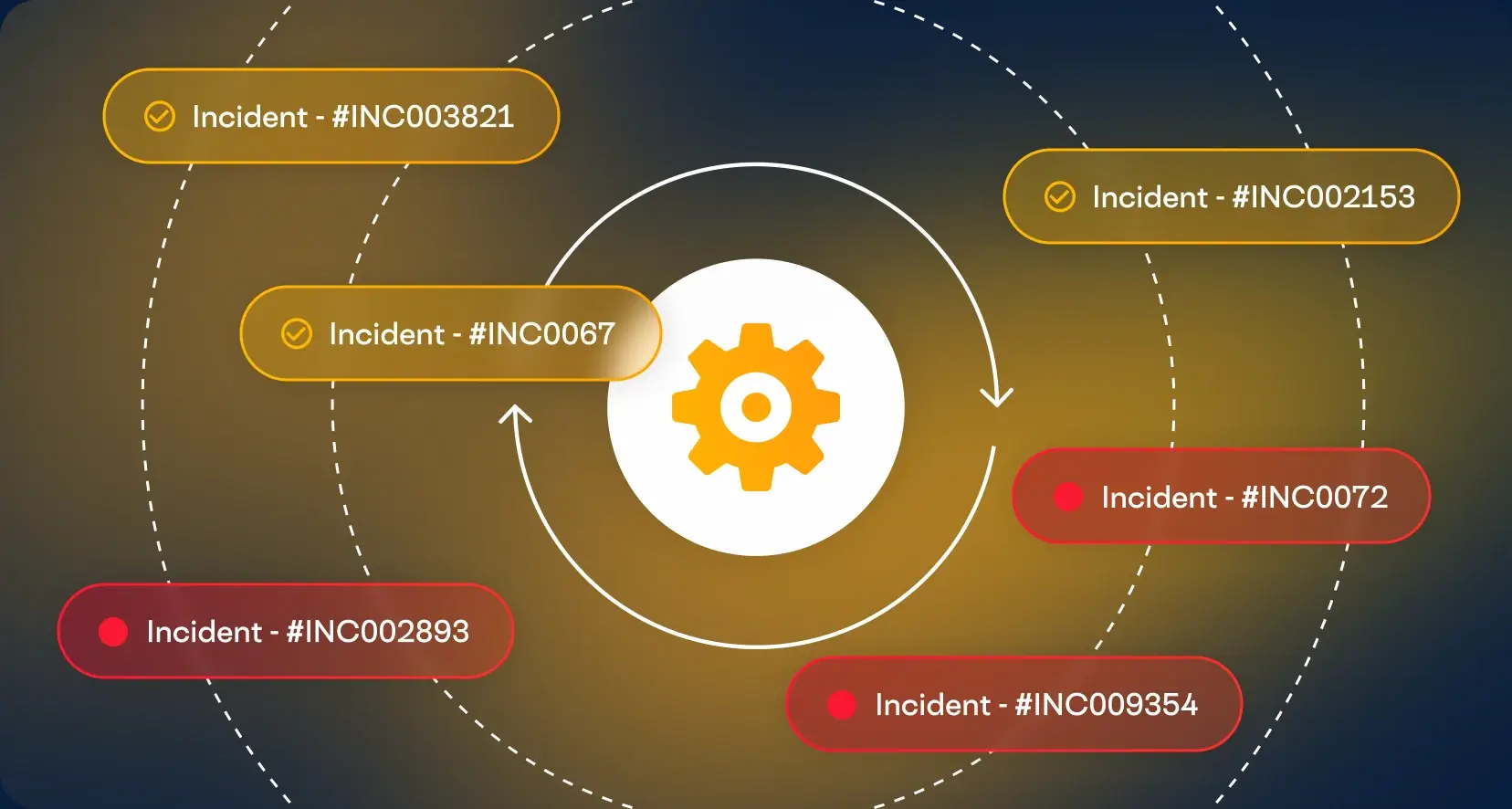
Most patching should run on autopilot, but a zero-day shouldn’t wait for the next scheduled window. Remediation templates apply fixes fleet-wide on the schedule your compliance standards require. Manual, real-time remediation lets you target a single group or device the moment a critical exploit lands. Reboots happen when you decide, and employees get a custom heads-up first, so security never ambushes the workday.
Key Features
Application vulnerability remediation
Real-time scanning and remediation across thousands of known application vulnerabilities.
Version standardization
Every endpoint brought to the same application version automatically.
Application risk details
Severity, usage, and vulnerable device counts for every application.
Automated OS patching
Windows patches scanned for and applied wherever the device connects.
OS and device risk details
OS versions, remediation status, and exposure severity across the fleet.
Fleet-wide or targeted remediation
Template-based fixes for every device, or manual action on a group or single device.
Configurable schedules
Scan and remediation frequency set to match your compliance standards.
Custom scans and remediation
Your own checks, fixes, and validation scripts alongside the built-in catalog.
Explore the Products
This Capability Powers
This capability is included in the ControlUp products below. Each one brings it together with related features for a specific part of your digital workplace.
ControlUp for
Compliance
 English English
 Deutsch
 Français