Device Lifecycle Management
Replace, Upgrade, or Keep? Let the Data Decide
Score every device on real telemetry, so you know what to replace, what to upgrade, and what can last another year.
Kostenlos testen Demo anfordern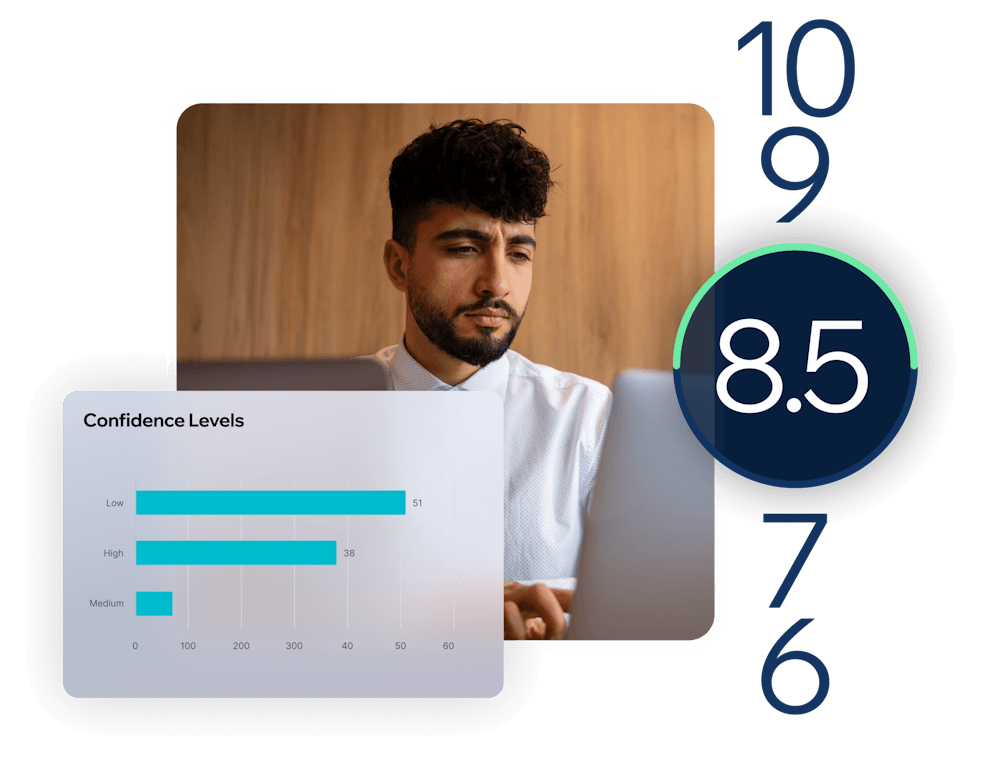
Make Every Hardware Dollar Count

From Telemetry to Refresh Plan

One Health Score for Every Device
Every device starts at 10 and loses points for measurable problems across five weighted areas: resource usage, battery health, stability, operating system lifecycle, and storage capacity. Devices on an unsupported operating system are capped at 7, so healthy hardware never masks lifecycle risk. The result is a fleet-wide ranking IT can sort, filter, and act on.

Match Every Device to Its Workload
Rightsizing analysis compares resource pressure with idle capacity during active use and classifies each device as undersized, oversized, or appropriate. Undersized devices are candidates for an upgrade; oversized devices indicate savings on the next purchase; and devices with insufficient data aren’t classified until there’s enough to judge.

Know What to Fix First
Each device shows the single issue with the biggest impact, such as an unsupported operating system, battery degradation, stability failures, or low disk space. A confidence level, based on the amount of telemetry collected, indicates how much weight to give each result.

Plan Refreshes With Evidence
Fleet-level views reveal which hardware models create the most issues and which devices can safely stay in service. That evidence supports every lifecycle option: replacing a battery or adding RAM, extending the life of a healthy Windows 10 device, repurposing older hardware as a thin client or Cloud PC endpoint, or replacing devices that consistently fail.
Key Features
Device health scoring
A 0–10 score per device built from resource usage, battery health, stability, OS lifecycle, and storage capacity
Battery health tracking
Battery capacity monitoring on laptops to identify batteries worth replacing
Stability tracking
Application crashes, system freezes, and blue screen events on Windows devices
OS lifecycle detection
Supported, near end-of-life, and unsupported operating systems identified automatically
Rightsizing classification
Every device rated undersized, oversized, or appropriate for its real workload
Top issue detection
The most impactful issue on each device, for faster prioritization
Confidence scoring
A data-quality rating so decisions rest on enough telemetry
Hardware model insights
A fleet-wide view of the models that consistently underperform
Explore the Products
This Capability Powers
This capability is included in the ControlUp products below. Each one brings it together with related features for a specific part of your digital workplace.

ControlUp für
Desktops
 English English
 Deutsch
 Français