Benutzererlebnisüberwachung
See the Experience & Fix the Friction
See every employee's digital experience in real time, and fix what slows work down before anyone flags or files a ticket.
Kostenlos testen Demo anfordern
Know How Workdays Really Feel
Turn a Slow Logon Into a Fixed One

Measure the Employee Experience
A device can pass every health check yet still deliver a miserable workday. DEX scores combine performance, stability, and sentiment signals—weighted toward the foreground apps people are actually using—into one view of each employee’s digital workplace. Start with your organization’s trend line, then drill into a single employee’s devices, apps, and network in one click. Every score breaks down into the factors pulling it down, so you fix the cause rather than chase the symptom.

Root Cause Analysis in Real Time
Slow logons and app freezes rarely leave useful evidence behind once they pass. Experience metrics are displayed in real time, so you see the logon phase that stalled, the input delay that spiked, or the connection that dropped as it’s happening, not in tomorrow’s report. Network data sits alongside device and app data, so distinguishing a home Wi-Fi problem from an application problem takes seconds.

Know Which Apps Your Workforce Depends On
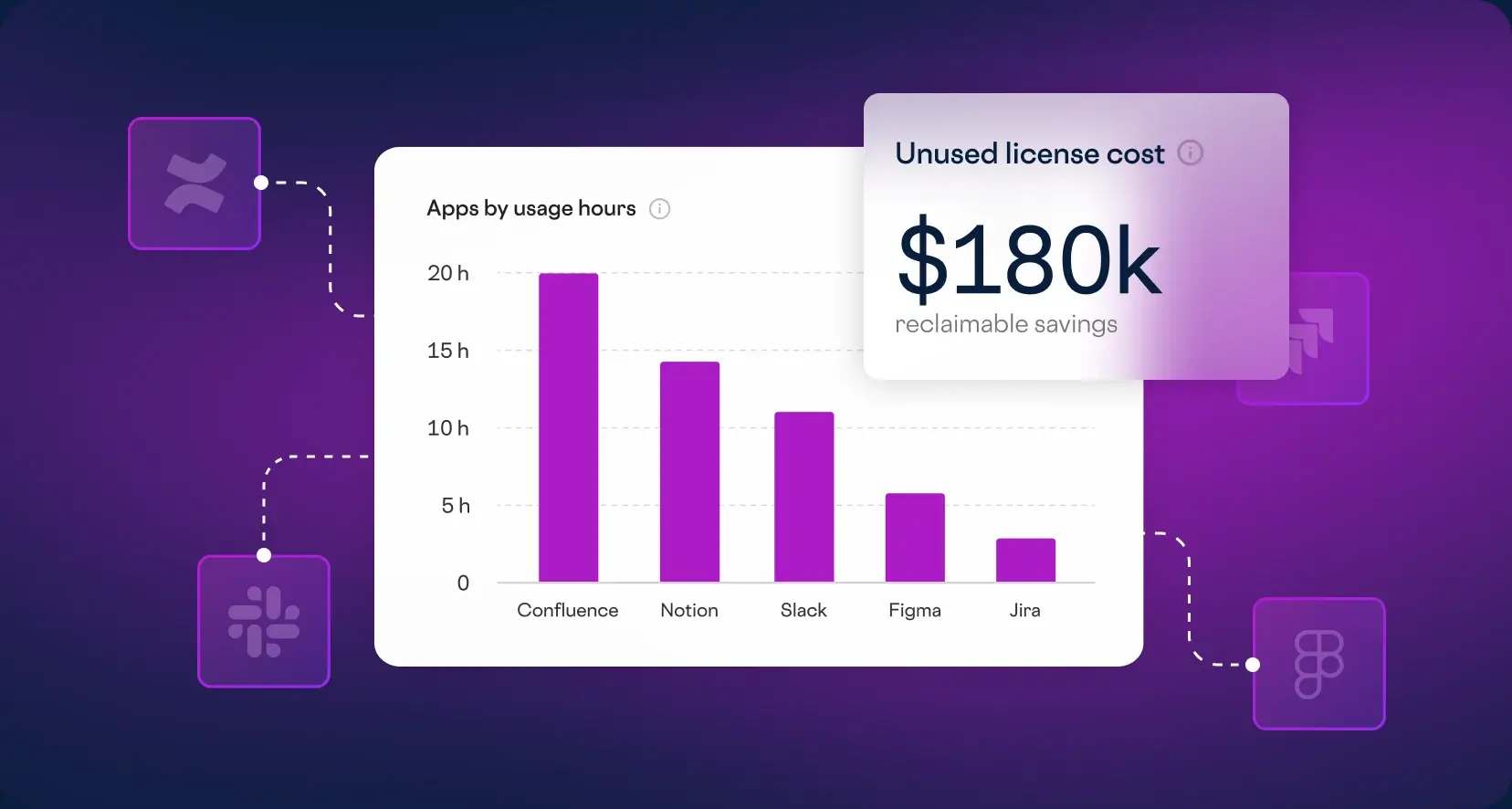
Every license you pay for should earn its place. Application and session data shows which local, virtual, and SaaS apps run across Windows, macOS, and Linux desktops, how often, and how they perform from boot to logoff. The same data guides standardization and flags underused licenses worth reclaiming. Granular privacy controls decide what is collected and stored, because ControlUp monitors machine and application performance, not what people do.
Fix Issues With Impressive Speed
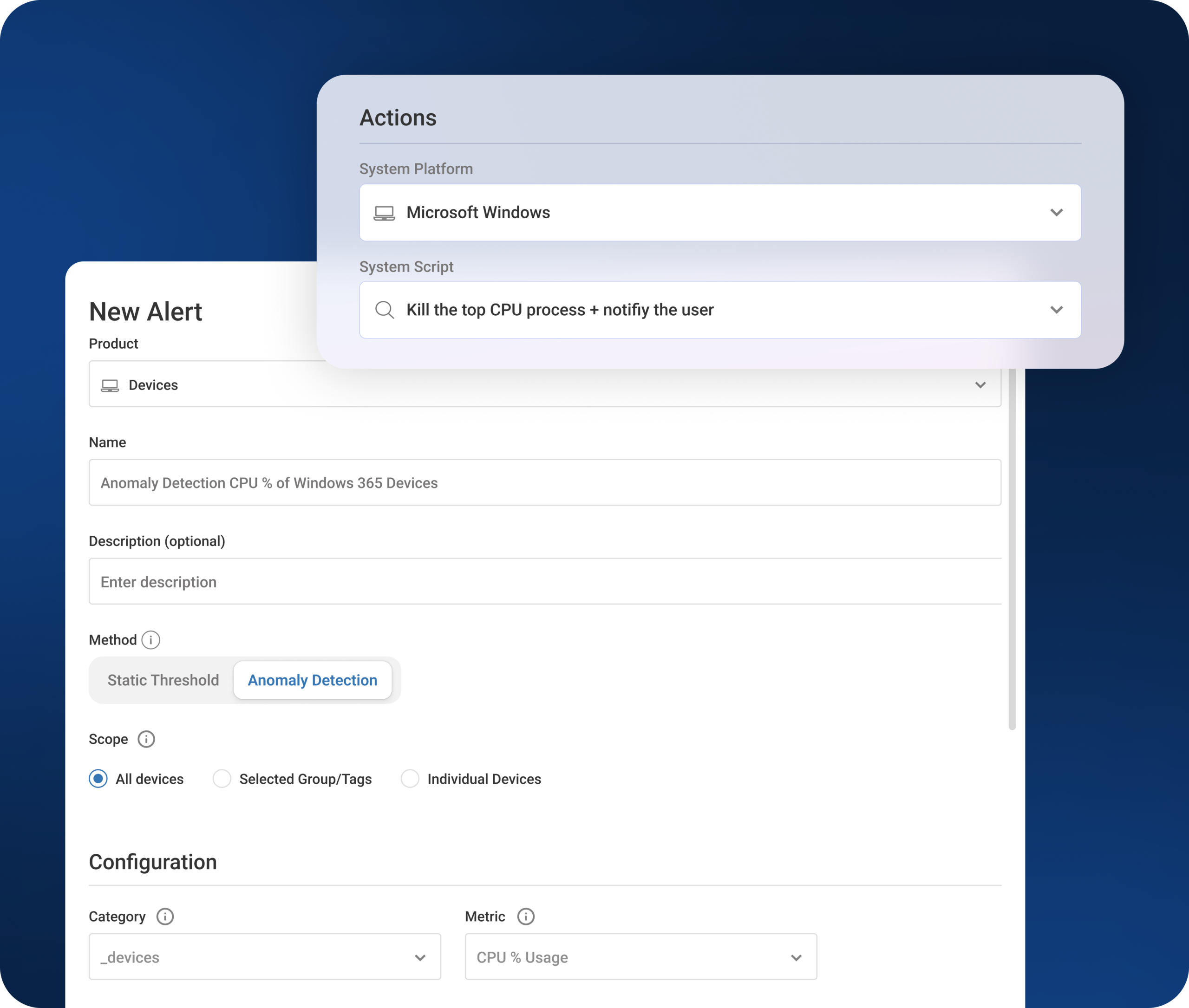
Seeing a problem is only half the job. When a score or metric crosses a threshold you set, automated remediations and no-code workflows execute the fix in the background, from clearing a full disk to restarting a hung service. The employee keeps working, and the issue is fixed so fast that it never becomes a ticket.
Key Features
Experience scoring
Performance, stability, and sentiment combined into one score per employee, adjustable to your thresholds
Employee overview dashboard
Organization-wide experience trends over time, with drill-down to any employee
Logon and app load analysis
Logon duration and load time broken into phases to pinpoint the bottleneck
Stability metrics
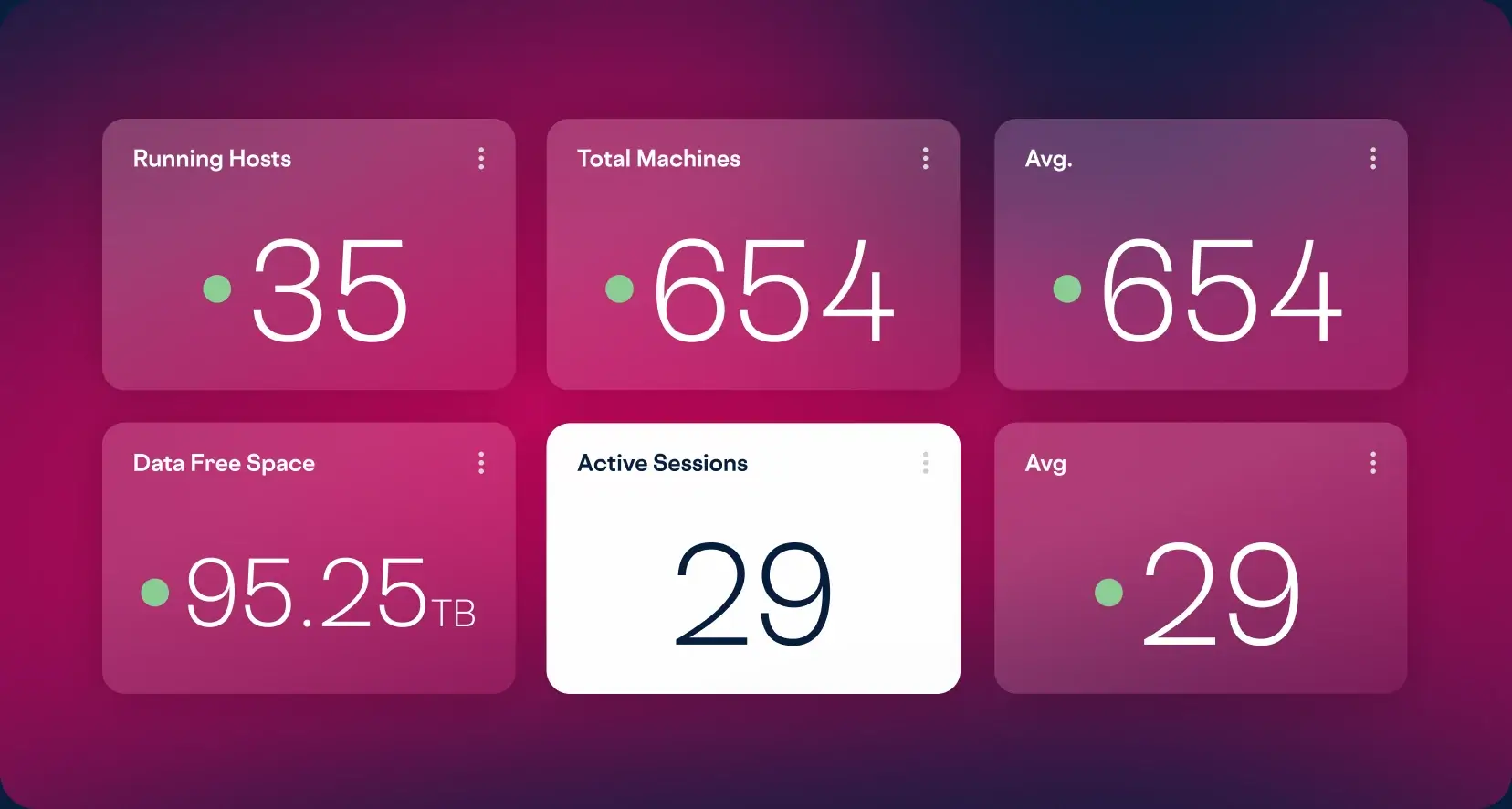
User input delay, crashes, blue screens, latency, and round-trip time, refreshed every three seconds
Network metrics
Wired and wireless connection details, speed, and latency from every endpoint
Application usage reporting
Which local, virtual, and SaaS apps run, where, and how often, with granular privacy controls
Session timelines
Boot-to-logoff performance detail across physical and virtual desktops
Explore the Products
This Capability Powers
This capability is included in the ControlUp products below. Each one brings it together with related features for a specific part of your digital workplace.

ControlUp für
Desktops
ControlUp
for VDI
ControlUp
for Apps
 English English
 Deutsch
 Français