AI-Powered Insights for IT
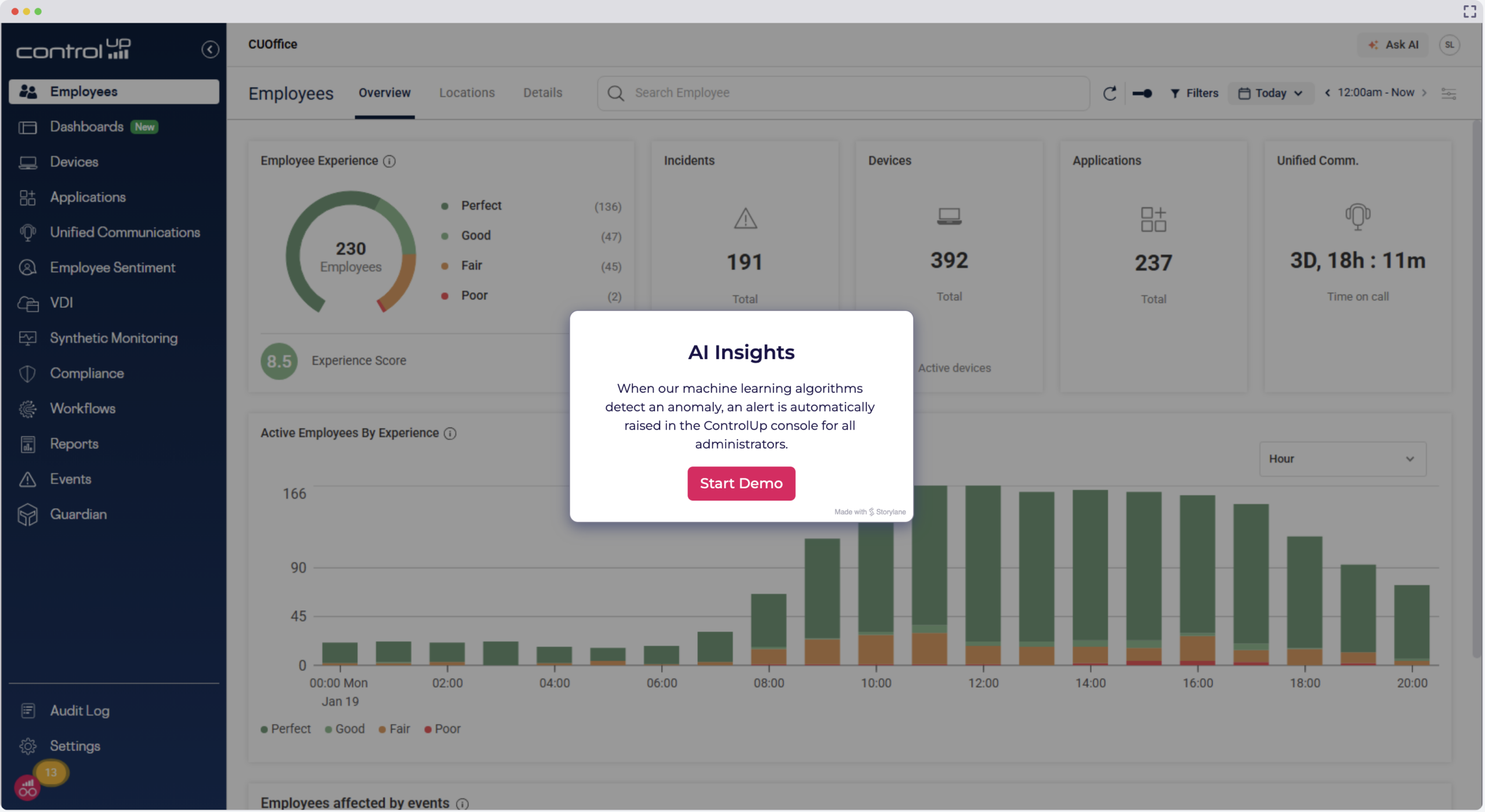
IT teams lack clarity, not data. Pulse AI Insights proactively analyzes your ControlUp telemetry against a baseline and surfaces the findings, patterns, and opportunities that truly deserve your attention. Never go searching for them again.
Try for Free Get a Demo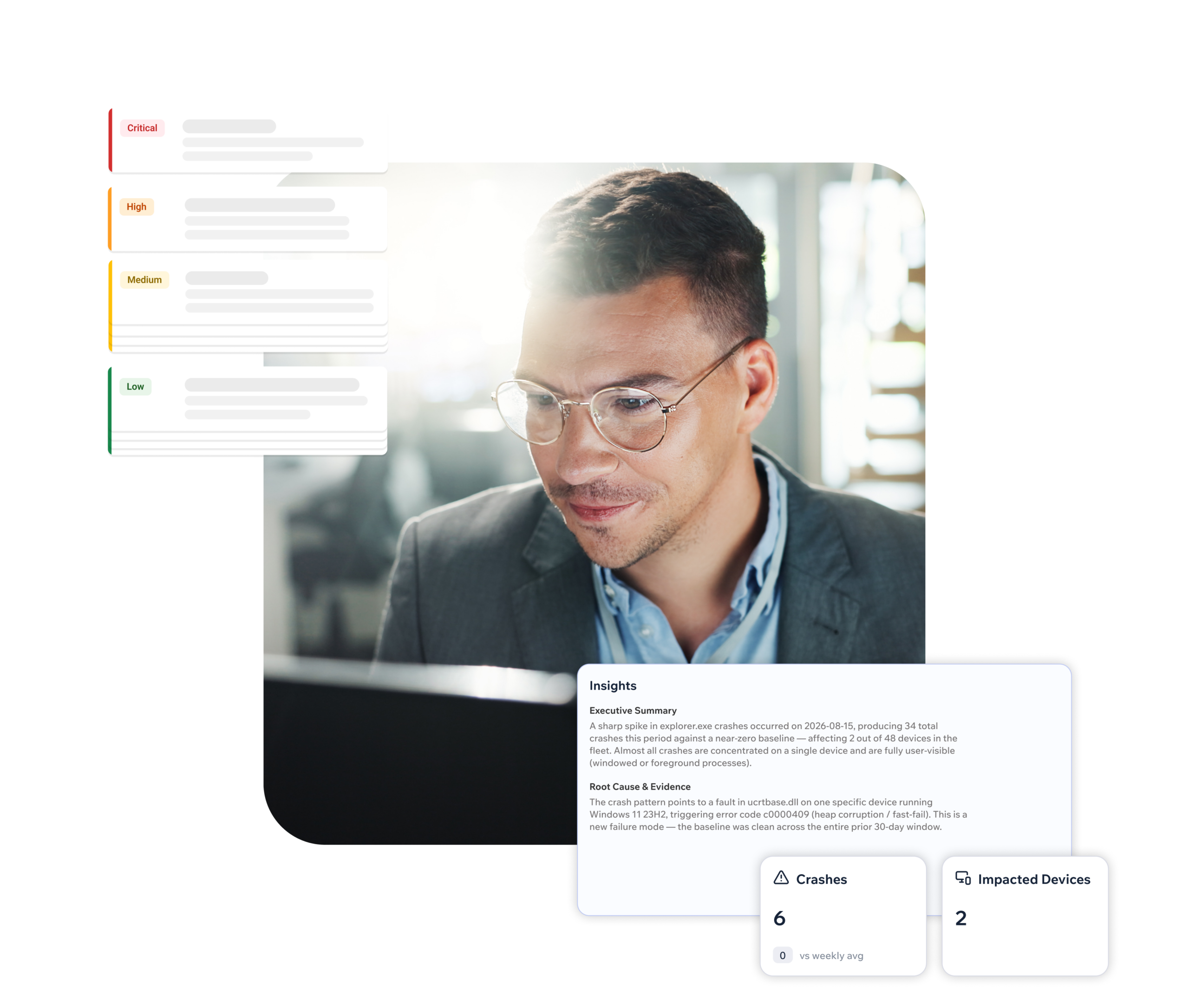
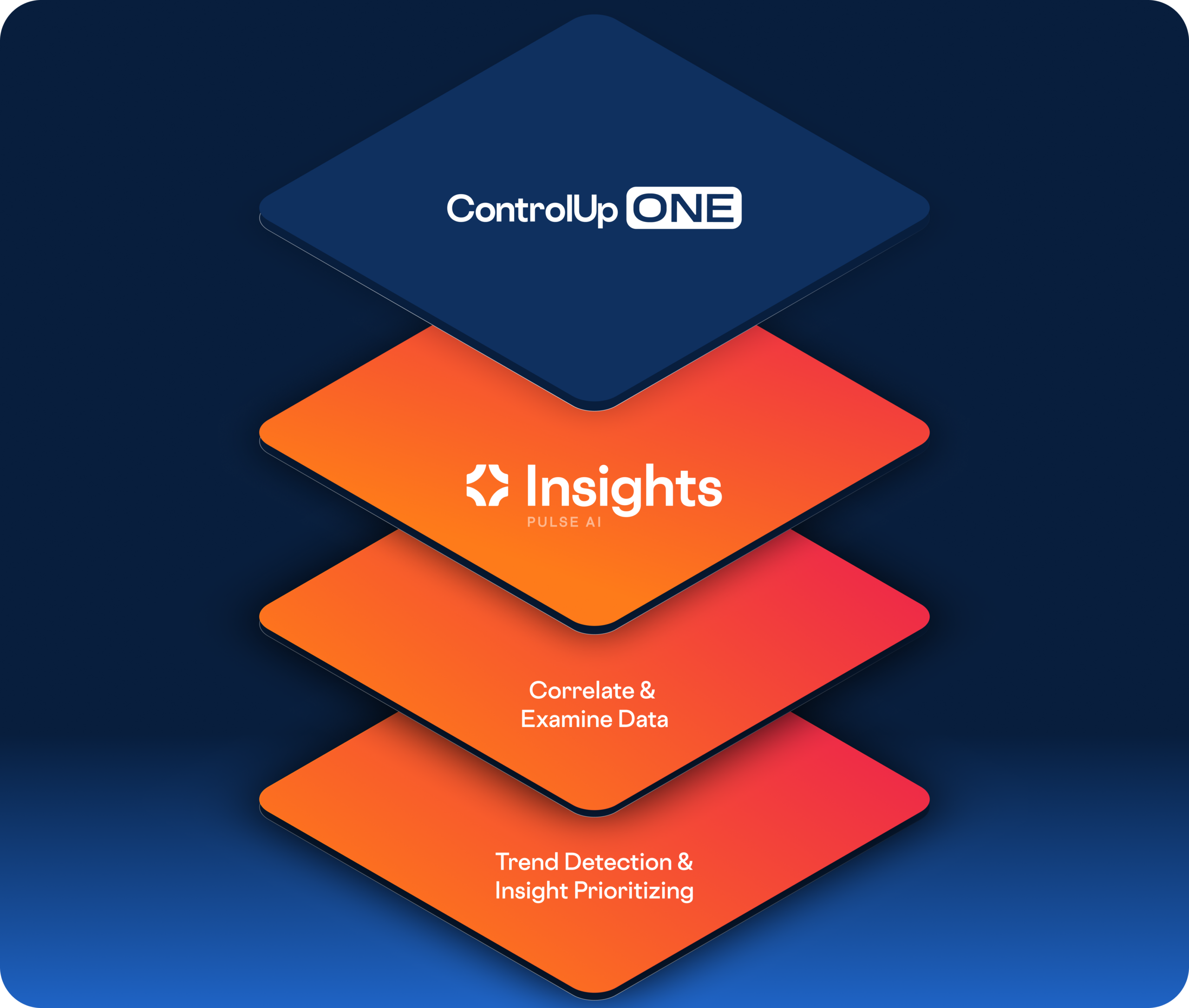
The Analysis Layer of Pulse AI
Replace Searching with Understanding
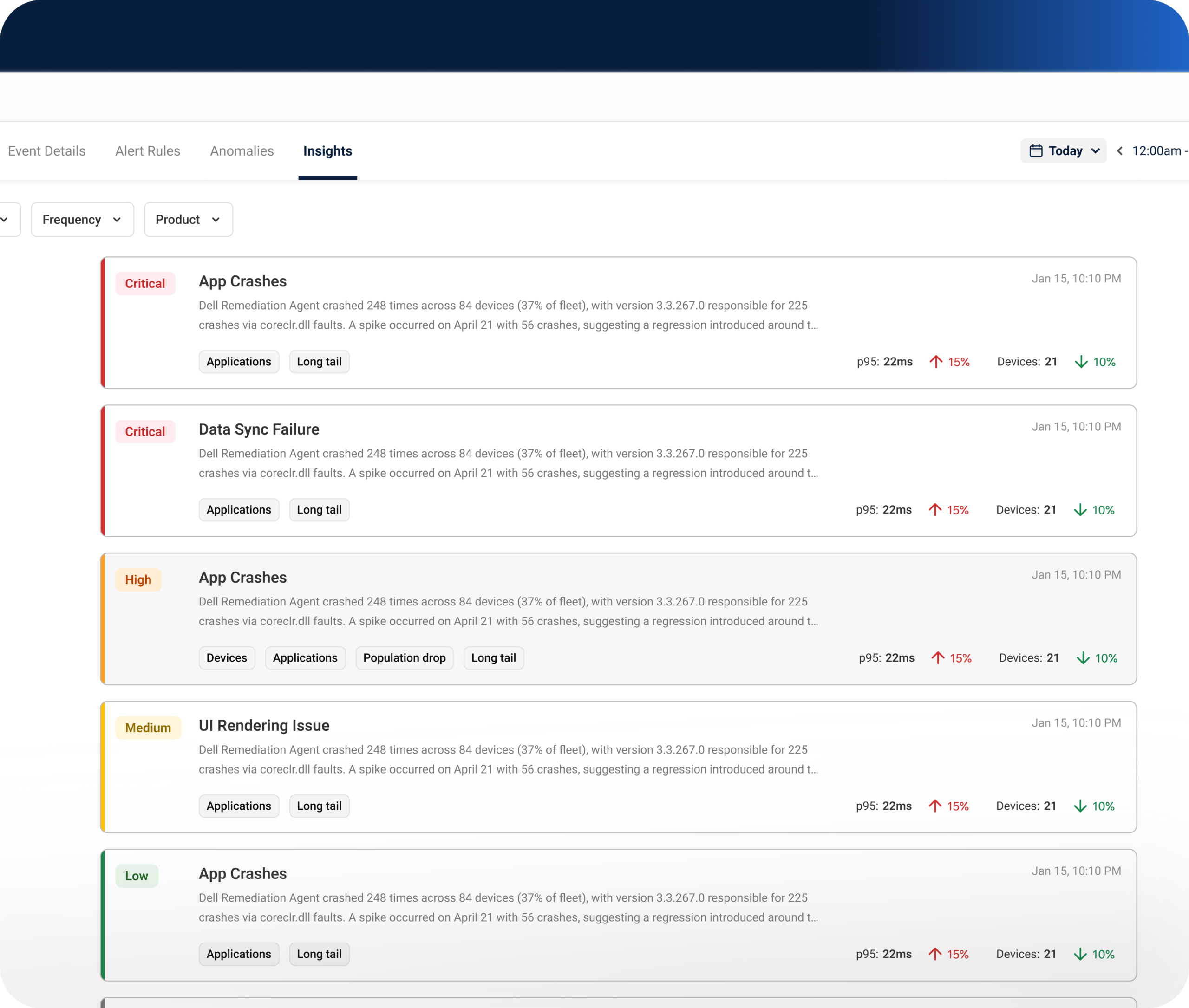
Engineers spend hours combing through events to find what matters. Recurring issues and emerging trends go unexplained because nobody connects them to environmental changes. Pulse AI Insights flips the model from “search for issues” to “issues find you.”
- Proactive IT Analysis: Runs on a schedule, evaluating telemetry against a baseline and surfacing a finding only when something meets its criteria.
- Signal Over Noise: An optimized environment might not show anything. No active insights can genuinely mean nothing meets the criteria, and that’s a good outcome.
- Built on Existing Data: Runs on top of what you already have; no new agent, data source, or deployment project is required.
From Finding to Root Cause
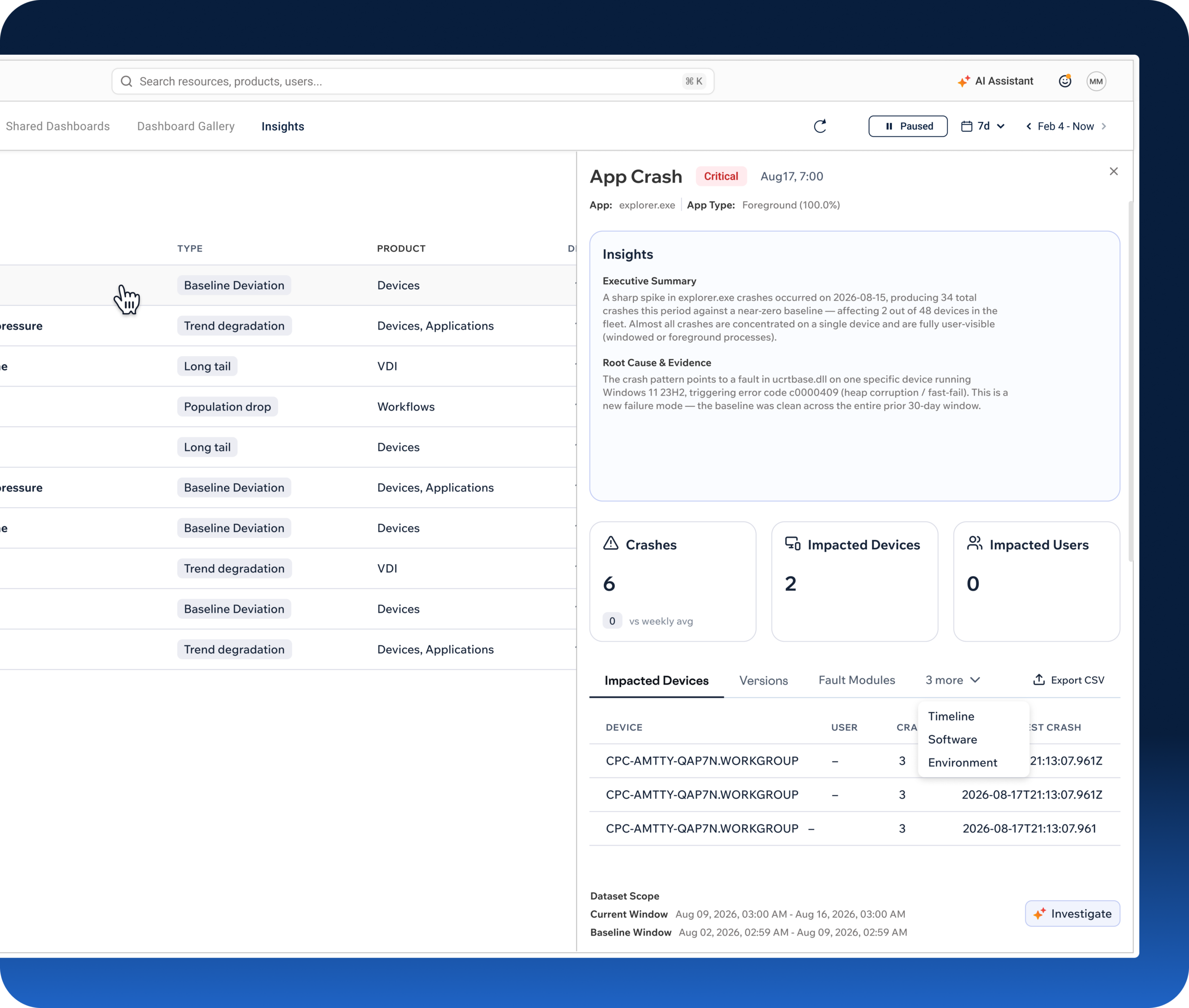
Pulse Insights doesn’t stop at what happened; it tells you what to investigate. For issues like app crashes, it connects the dots that are easy to miss manually.
- Baseline & Deviation: Establishes a rolling baseline from recent history and flags meaningful deviations against it.
- Environmental Correlation: Surfaces changes on the device, such as driver or browser updates, that are difficult to catch by hand.
- AI-Generated Summaries: Every finding ships with a plain-language summary and recommended next steps.
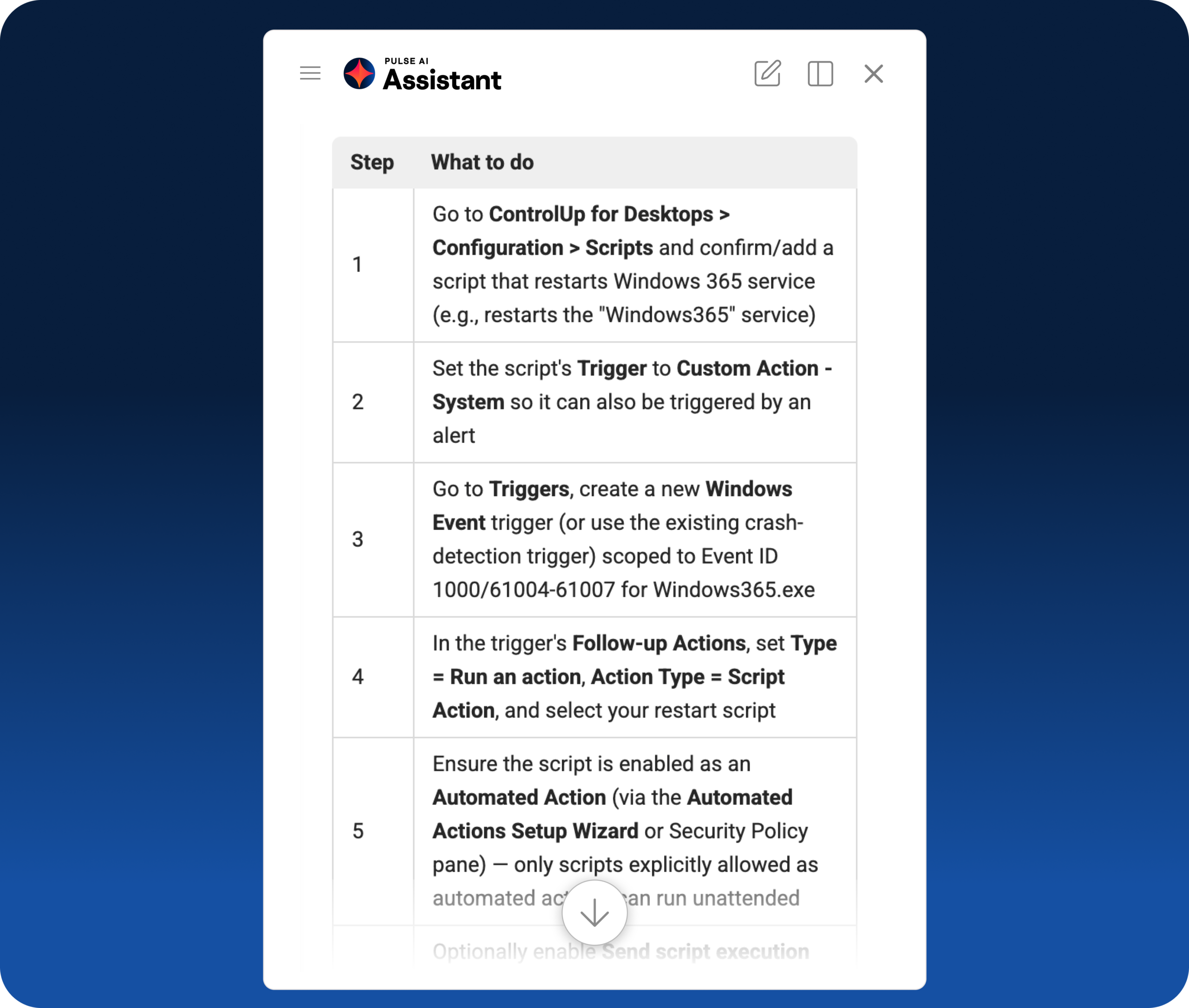
- Guided Investigation: Hands off directly to Pulse AI Assistant, moving from “here’s the problem” to “here’s how to look into it.”
Prioritized, Not Overwhelming
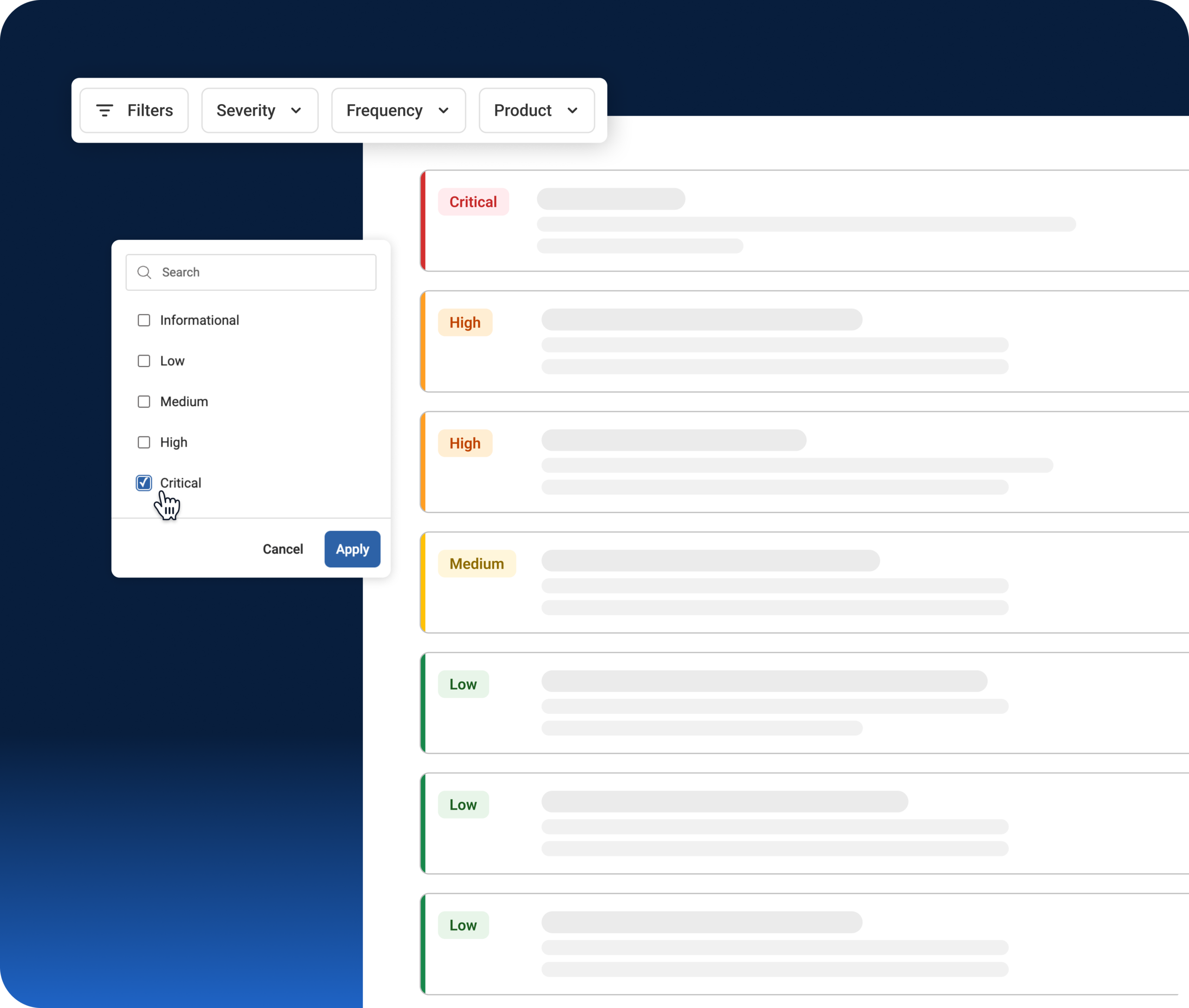
Not every insight is an operational emergency, and IT shouldn’t have to guess which ones are.
- Severity-Based Prioritization: Findings are ranked by severity, with impacted device and user counts, so IT can focus on what matters most first.
- Full Context in One Place: Drill into the complete data and analysis behind every finding without switching tools.
- Historical Record: Insights are retained in-product, so recurring patterns are visible over time, not just in the moment they’re found.
- Governed Access: RBAC controls let you manage access to Pulse Insights as a feature, and to individual use cases, so the right teams see the right findings.
The ROI of Proactive IT Insights
Cut the time engineers spend searching for problems already in the data.
- Less Manual Searching: Spend minutes reviewing prioritized findings instead of hours looking through events.
- Catch What Others Miss: Quietly growing crash trends, unused licenses, and new assets surface automatically instead of going unnoticed.
- Not Another Deployment: Runs on telemetry ControlUp already collects, so there’s no new rollout project to justify or manage.








 English English
  Deutsch
 Français