Configuration Drift Prevention
Drift Detected. Baseline Restored.
Keep every Windows and macOS endpoint aligned to your security standards. ControlUp detects drift and restores the right configuration automatically.
Try for Free Get a Demo
Consistent Security Across Every Endpoint
Define It Once

Catch Drift the Moment It Happens
Periodic audits find drift months after it started. ControlUp continuously scans security settings, account privileges and permissions, device hardening such as BitLocker configuration, and web protection and block policies. Every finding shows its severity, the devices affected, its remediation status, and when it first appeared, so you know exactly what slipped and since when.

Prove Every Security Control Is Running
Your security stack only protects the devices it’s actually running on. ControlUp checks for antivirus, antimalware, VPN, EDR, XDR, DLP, and UEM tools across every endpoint, tracks versions, install dates, and service state, and remediates devices that fall out of line. When an auditor asks whether every laptop runs EDR, you have the answer, not an estimate.

Restore the Baseline Automatically
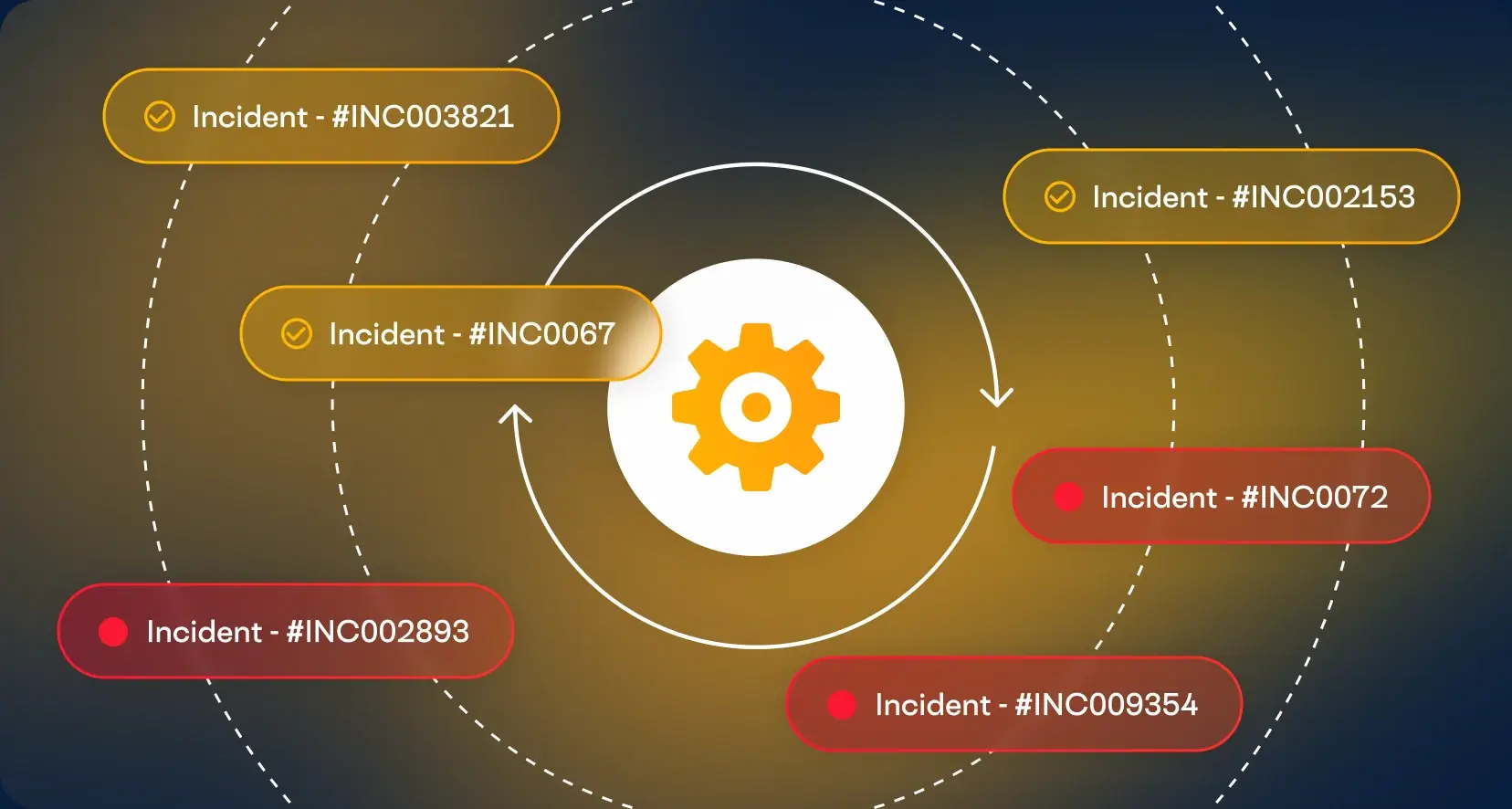
Finding drift is useful. Reversing it before it becomes an incident is the point. Remediation templates restore your baseline fleet-wide on the schedule your compliance standards require, while targeted, real-time remediation handles a single group or device when you need it. Reboots run on your timing, with a custom heads-up for employees first.

Your Standards, Not Just Ours
More than 50 built-in scans cover common misconfigurations out of the box. When your environment needs something specific, add your own script-based scans and remediations, or attach custom fixes to built-in scans that complete without one. The baseline you enforce is the one your security team actually wrote to begin with.
Key Features
Misconfiguration scanning and remediation
OS security settings scanned and fixed across Windows devices
Security settings audits
Account privileges and permissions, device hardening, and web protection policies
Drift details
Severity, remediation status, affected devices, and first-seen date for every finding
Security control checks
Devices missing required endpoint security software detected and remediated
Security tool inventory
Installed security software, versions, install dates, and service state
Fleet-wide or targeted remediation
Template-based fixes for every device, or manual action on a group or single device
Configurable schedules
Scan and remediation frequency set to match your compliance standards
Built-in and custom scans
More than 50 built-in scans, extended with your own checks and fixes
Explore the Products
This Capability Powers
This capability is included in the ControlUp products below. Each one brings it together with related features for a specific part of your digital workplace.
ControlUp for
Compliance
 English English
 Deutsch
 Français