
 Christina Reynolds
 A simple conversation can transform your daily workflow.
You’ve probably already heard about ControlUp’s new Pulse AI Assistant, an AI-powered conversational interface that streamlines IT operations by delivering instant, correlated insights and enabling secure, governed actions directly from a single conversation. You may even have tried it once or twice! But are you using it to its full extend to optimize your IT operations getting to optimize your IT operations and get your money’s worth? Consider this blog your quick-start guide for using Pulse Assistant to its full potential.
New to Pulse AI? Get to know ControlUp’s Pulse AI first, then come back for the prompts.
Getting Started
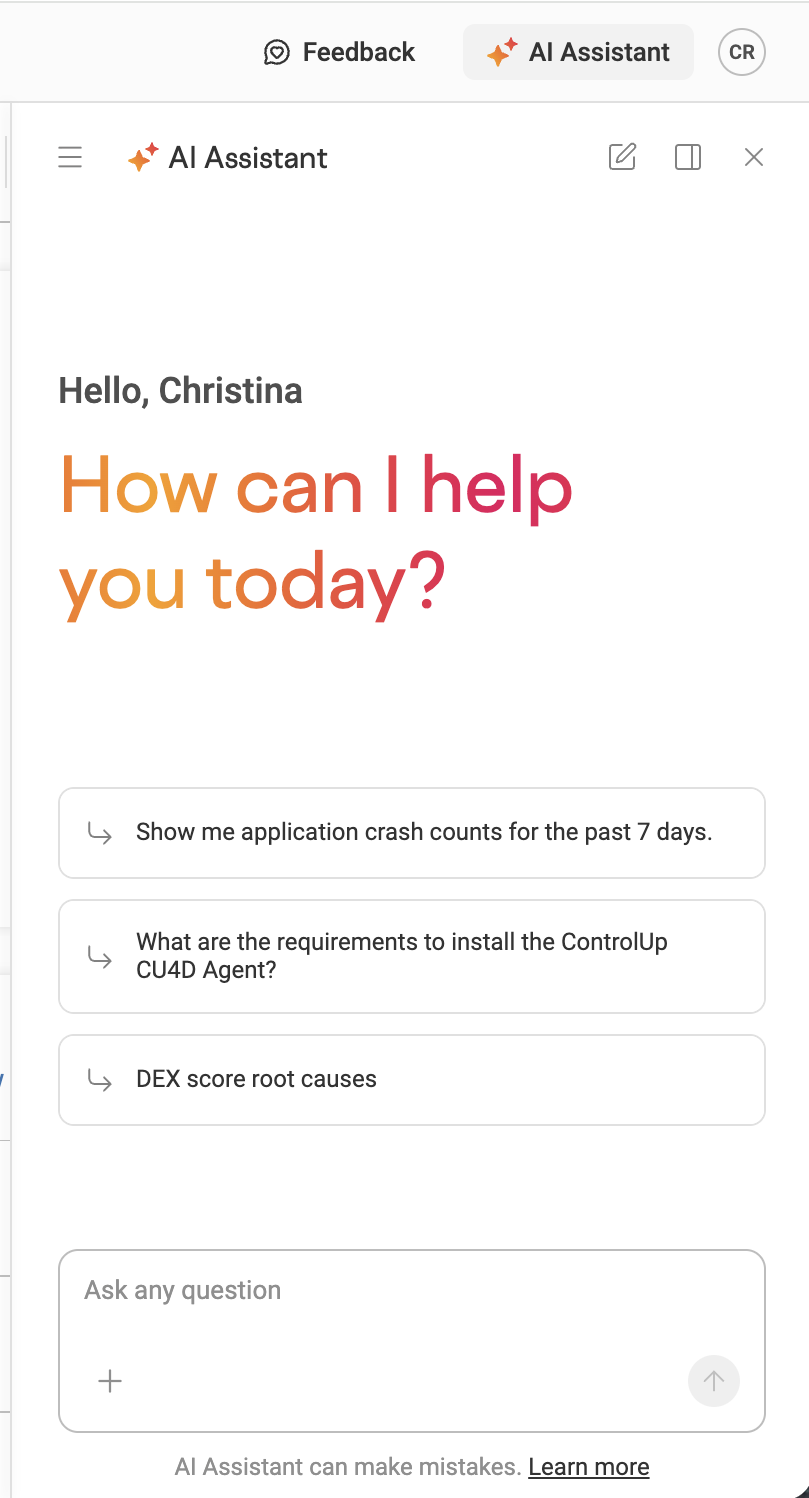
Choose one of the pre-populated prompts for the quickest start, like “show me application crash counts for the past 7 days.”
Pulse Assistant will give you a thorough breakdown with actual crash and bug-check data.
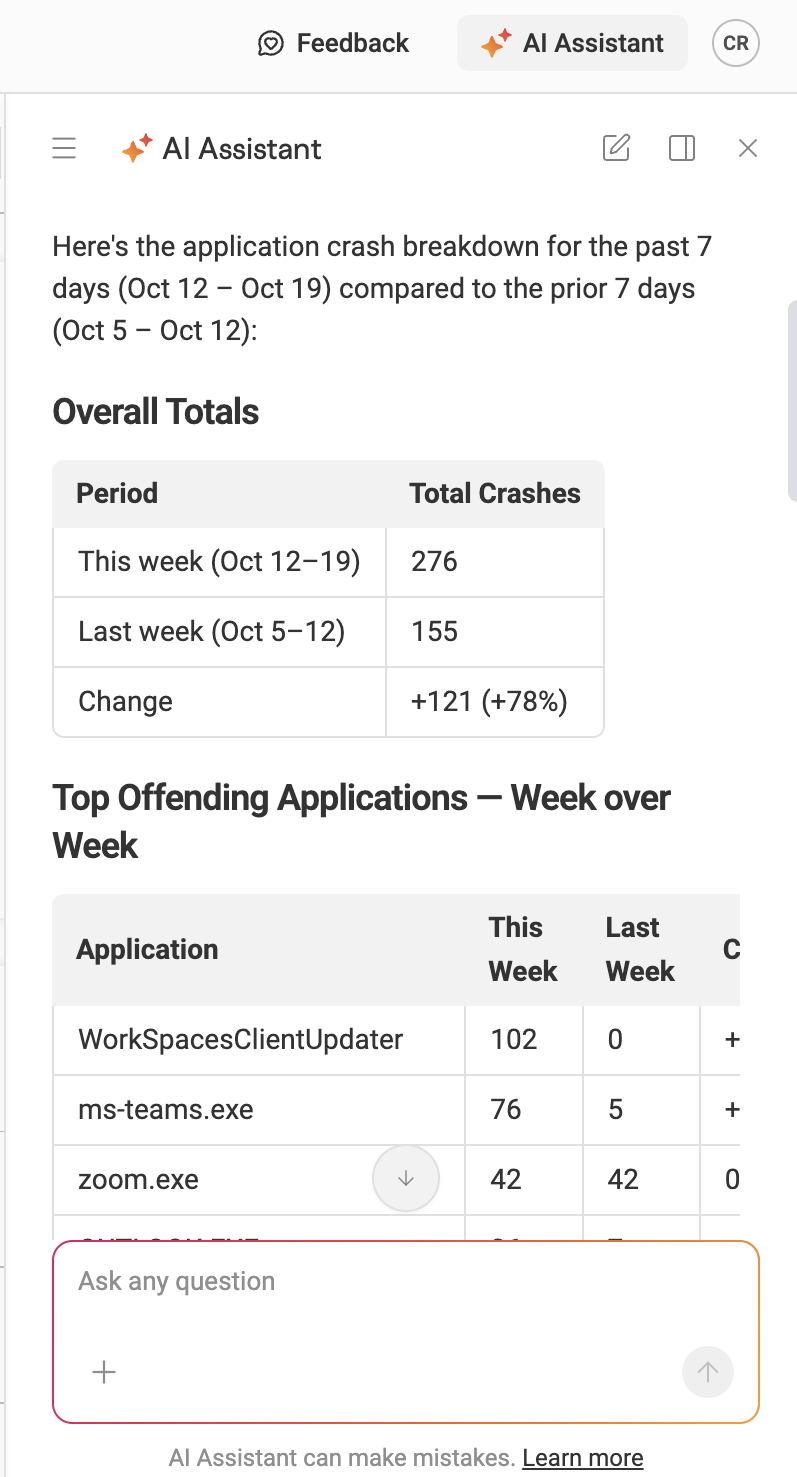
You’ll also get more suggested prompts at the bottom to help you investigate, which can help you shift from “what happened?” to “why did this happen?”

Pro tip: You can interact in whatever language you prefer. Pulse Assistant supports many common languages, including English, Spanish, German, French, Portuguese, Italian, and Dutch.
Troubleshooting
Pulse Assistant is an excellent tool for figuring out why an individual device is not performing the way it should.
Try asking a question like this:
- Why did this device blue-screen today?
- Why did application performance degrade yesterday?
- Are recent policy changes affecting login times?
- Why is Microsoft Teams freezing for these five users?
Organizational DEX Health
You can also use Pulse Assistant to assess the health of your devices as a whole.
Get insights into your telemetry with prompts like this:
- Which devices are driving low digital experience scores?
- How many VDI users are online now?
- Which machines have Java installed?
- Summarize the top 10 issues over the last month.
Move from Conversation to Action
Once your investigation is complete, you can continue using Pulse Assistant to solve the problem with secure, governed actions.
Try something like this:
- Create a workflow.
- Learn how to run a script on a device.
- Update this ticket.
- Escalate this issue to the next team member.
Pulse Assistant checks your ControlUp data, pulls information from integrated services, correlates everything, and provides context-rich, natural language answers and guided fixes. When you ask it to act, it is always with your permission and within your approved guardrails.
Ready to go beyond prompts? Check out AI features you may not be using.
Stay tuned for more Pulse AI feature development from ControlUp!
In the meantime, see how IT teams are using Pulse Assistant to do more with less.